
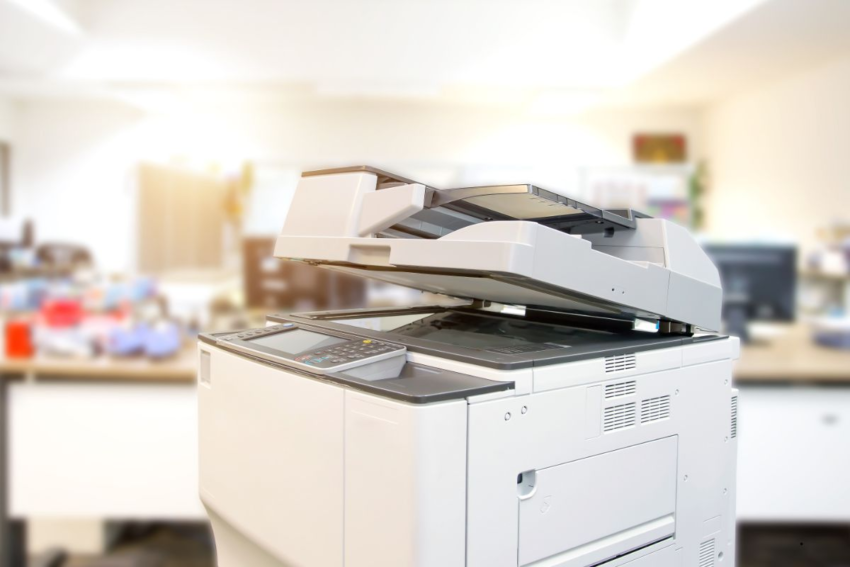
Black and white (monochrome) photocopiers continue to be the backbone of many small and mid-sized businesses. They offer lower running costs, sharper text and line quality, faster output on many models, and easier maintenance compared to color machines. Xerox, a long-standing leader in document solutions, provides a broad range of monochrome photocopiers designed for different workloads, office sizes, and feature requirements.
Below is a detailed look at what to consider before purchasing—and a breakdown of some of the best Xerox mono models available today.
Key Factors to Consider Before Buying
Before selecting a photocopier, assess your actual business needs across the following areas:
| Factor | Why It’s Important |
|---|---|
| Print Speed (PPM) | Determines how quickly documents are produced; essential for busy offices. |
| Monthly Duty Cycle / Volume | Ensures the machine can handle your workload reliably over time. |
| Paper Handling | Tray capacity, duplex printing, and A4 vs A3 support add flexibility. |
| Multifunction Capabilities | Print, scan, copy, and fax in one device reduces space and cost. |
| Connectivity | Ethernet, Wi-Fi, mobile printing, and cloud support are now essential. |
| Security & Workflow Tools | Secure print, user authentication, and scan workflows protect data and improve efficiency. |
| Running Costs | Toner pricing, drum replacement, power usage, and cost per page matter long term. |
| Size & Noise Levels | Especially important for small offices or shared workspaces. |
Top Xerox Monochrome Models & Their Strengths
Here are some popular Xerox black-and-white photocopiers well-suited for small to mid-sized businesses, along with their strengths and limitations.
Xerox B215 Mono All-in-One
- Highlights: ~30 ppm; print, scan, copy, fax; compact design; Wi-Fi and Wi-Fi Direct; low running cost
- Best For: Small offices or busy home offices with light to moderate print volumes
- Considerations: Modest print resolution (600×600 dpi); limited scan speed and capacity
Xerox B305 Mono MFP
- Highlights: ~40 ppm; automatic document feeder; duplex printing; handles higher workloads
- Best For: Growing offices needing more speed and monthly capacity
- Considerations: Higher upfront cost; larger footprint than entry-level models
Xerox B315
- Highlights: Improved speed and capacity; single-pass dual-scan ADF for faster scanning
- Best For: Small to mid-sized businesses with frequent scanning and copying needs
- Considerations: Larger size; higher consumable costs; may be excessive for low-volume use
Xerox VersaLink B415
- Highlights: Up to ~47 ppm; high paper capacity; ConnectKey platform for advanced workflows, security, and mobile integration
- Best For: Busy offices with multiple users and regular high-volume printing
- Considerations: Higher investment; increased maintenance needs; larger power and space requirements
Xerox VersaLink B625
- Highlights: Very fast output (~61 ppm); high monthly duty cycle (up to ~30,000 pages); enterprise-grade performance
- Best For: Legal firms, accounting offices, logistics companies, and other high-demand environments
- Considerations: Expensive; higher energy consumption; unnecessary for low or moderate workloads
Pros & Cons of Xerox Monochrome Photocopiers
Advantages
- Excellent reliability for text-heavy documents
- Lower consumable and operating costs compared to color machines
- Faster text printing in many models
- Strong security, networking, and workflow features
- Wide model range allows easy scaling as your business grows
Limitations
- Higher upfront cost for advanced or high-speed models
- Larger machines can be noisy or bulky
- Maintenance and downtime become more critical at high volumes
- Not suitable for color graphics or marketing materials
- Service and parts availability may vary by region
Which Xerox Model Fits Your Business?
- Light usage (<5,000 pages/month):
Choose B215 or similar entry-level models for affordability and compact size. - Moderate usage (10,000–20,000 pages/month):
B305 or B315 offers better speed, durability, and scanning capability. - Heavy usage / multi-user environments:
VersaLink B415 or B625 delivers high speed, large capacity, and advanced workflows.
Tips to Get Maximum Value from Your Copier
- Accurately estimate your current and future print volume
- Use genuine or high-quality compatible toner to prevent damage
- Perform regular maintenance and keep firmware updated
- Track cost per page, not just purchase price
- Enable security features like secure print and user authentication
- Ensure proper space, ventilation, and power supply before installation
Local Considerations (India & Similar Markets)
- Verify availability of Xerox-authorized service and spare parts in your city
- Check toner and drum pricing in the local market
- Consider power stability and surge protection
- Confirm required paper sizes (most mono models are A4; A3 support is limited at lower tiers)
- Evaluate internet reliability if using cloud-based workflows