
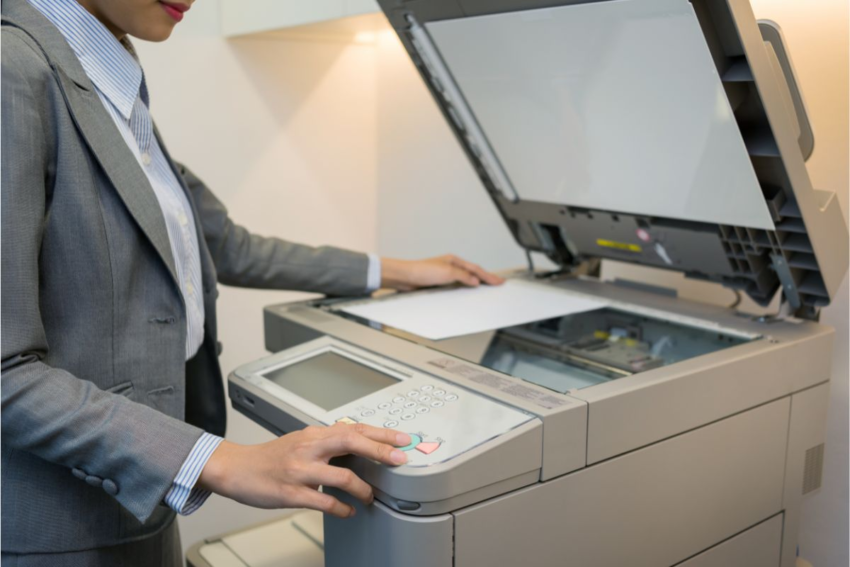
In today’s fast-moving business environment, efficiency and cost control are essential for smooth operations. Among the many devices that support daily office productivity, the black and white photocopy machine continues to play a vital role. While color printers and multifunction devices serve specific purposes, monochrome copiers remain the preferred choice for everyday document tasks—such as printing reports, invoices, contracts, and internal communications.
Whether you’re establishing a new workspace or upgrading existing equipment, this guide explains everything you need to know about black and white photocopy machines, including their advantages, essential features, purchasing considerations, and maintenance tips.
🖨️ Why Opt for a Black and White Photocopy Machine?
Although color printers can be useful, black and white copiers offer several practical benefits that make them ideal for most offices:
Affordable Printing
Monochrome machines use only black toner, which is far more economical than color cartridges. This significantly lowers the cost per print, making them a budget-friendly option for high-volume usage.
High-Speed Performance
Black and white copiers typically deliver faster output than color machines, ensuring quick turnaround for large print jobs—an important advantage in busy office settings.
Low Maintenance Requirements
With fewer components and no color toner management, these machines require less maintenance, reducing downtime and servicing costs.
Sharp, Professional Results
Most business documents don’t require color. Black and white prints provide clean, crisp text that looks professional and ensures excellent readability.
Built for Heavy Use
Monochrome photocopiers are designed for durability and can handle continuous, high-volume printing, often lasting longer than color alternatives.
🔧 Essential Features to Consider
When selecting a black and white photocopy machine, focus on features that align with your workflow and office size:
Printing Speed (PPM)
Models offering 25–60 pages per minute are suitable for standard office use, while high-volume environments may require machines exceeding 70 PPM.
Paper Capacity & Size Support
Choose machines with trays holding 250–500 sheets or more. If your office prints legal or A3 documents, ensure multi-size compatibility.
Automatic Document Feeder (ADF)
An ADF enables quick copying or scanning of multi-page documents, saving time and effort.
Duplex Printing
Double-sided printing helps reduce paper usage and enhances document presentation.
Connectivity Options
Support for Wi-Fi, USB, Ethernet, and mobile printing ensures seamless integration with modern office networks.
Security Functions
Features such as user authentication, data encryption, and secure print release are essential for handling confidential information.
Multifunction Capabilities (Optional)
Many black and white machines also offer scanning, faxing, and email functionality, providing an all-in-one solution.
🏢 Common Office Applications
Black and white photocopy machines are widely used for:
- Printing contracts, letters, and proposals
- Copying invoices, receipts, and billing documents
- Producing training materials and internal reports
- Scanning and storing important records
- Bulk printing manuals, notices, and memos
💡 Maintenance Tips for Long-Term Performance
To keep your machine running efficiently:
- Avoid overfilling paper trays and use recommended paper types
- Use manufacturer-approved toner for optimal print quality
- Clean scanner glass and rollers regularly to prevent jams
- Keep firmware updated for improved security and performance
- Schedule routine servicing for high-volume usage